


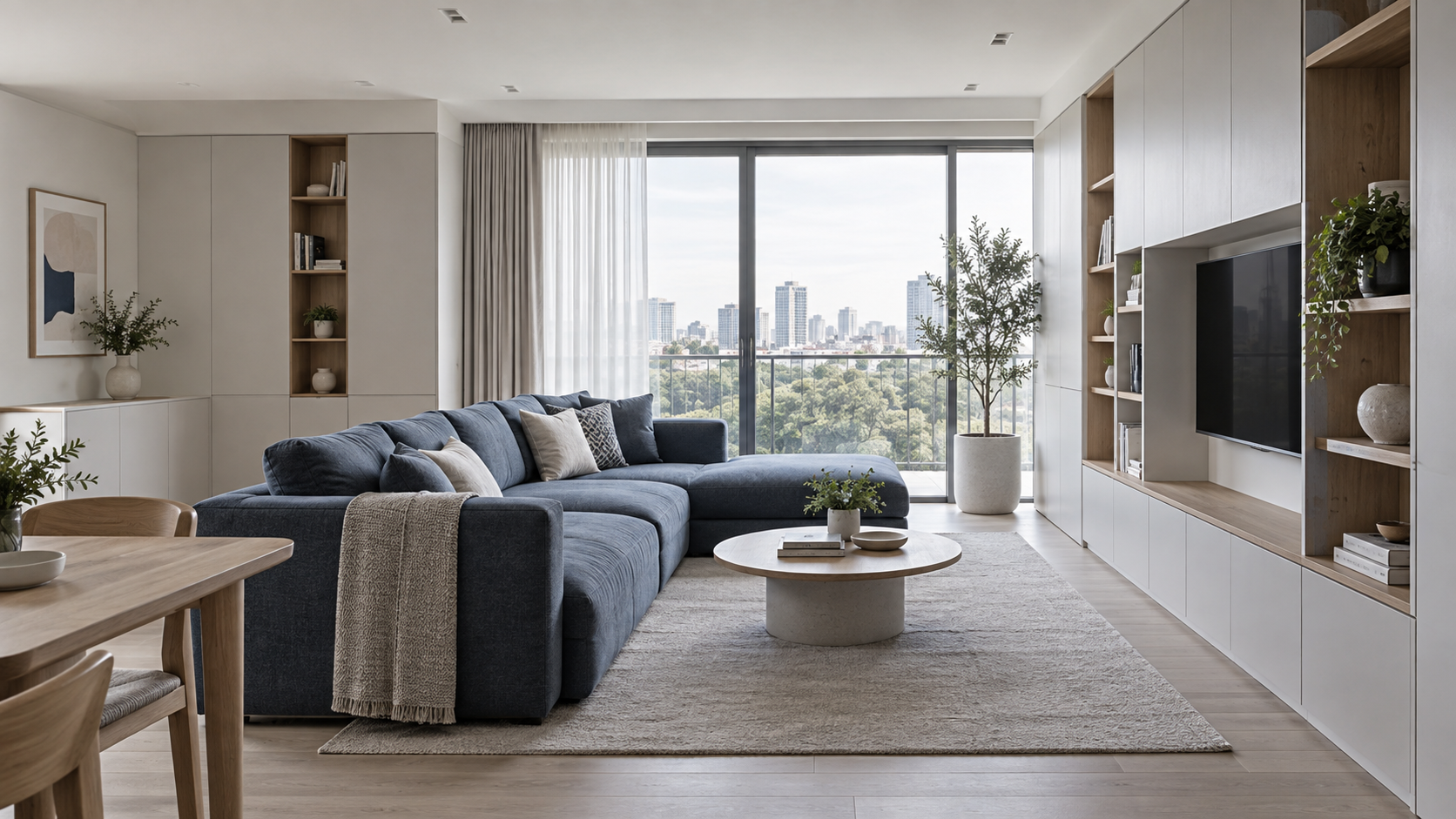
01 / Does this sound familiar?
Final photographs hide the reasoning behind storage choices. Reusing drawings without checking permission can expose addresses, personal possessions or details the client never agreed to publish.
We spent months on a project and published one gallery. Help us explain the design decisions over time, using only material the owner permits.
How JarveePro Takes Over
JarveePro organizes a permitted project source pack and four story angles: spatial problem, considered options, storage detail and practical use. Built-in AI drafts consistent explanations; JarveePro schedules reviewed content while preserving source and permission context.
02 / What to prepare
- Obtain owner permission for each photograph, plan and project detail.
- Remove identifying information and confirm what must remain private.
- Provide actual design decisions, approved drawings and publication-ready account resources.
The 80 m² apartment is a scenario configuration, not a claimed completed customer project.
03 / Work comparison
Post finished pictures once
Explain distinct decisions from the same permitted project
A four-angle story map
Crop a drawing without checking privacy
Review publication boundaries before adapting visuals
An approved source and redaction list
Use generic before-and-after claims
Describe only documented conditions and design choices
A factual narrative without invented results
04 / Content samples
 InstagramIllustrative content draft
Storage Design Starts with the Question, Not the Cabinet
A project story becomes useful when it explains the decision behind the image. What needed to be stored, which routes had to remain clear, and what alternatives were considered? With the owner's permission, selected drawings and photographs can help discuss those questions. This example uses an 80 m² apartment as a scenario, not proof of a completed client project. Any real project details must come from approved records, with identifying information removed.
How much would the same redesign cost in my apartment?
A project photograph cannot establish your scope or cost. The designer would need the relevant layout and requirements through an agreed private consultation; no price is implied by this example.
Blog · Answer a Specific Question
Explaining an apartment storage project: problem, options and design decisions.
Video · Show the Idea
One permitted drawing, one decision: highlight a storage choice without showing private address information.
Keywords · Organize Around Intent
Research starting points, not verified search volumes. Check product facts against approved materials.
05 / Execution plan
Example configuration and planned deliverables, not completed results.
Day 1 · Confirm Publication Rights
Owner permission and privacy boundaries come first.
Only approved sources enter drafting.
Day 2 · Build the Series
Do not fabricate dimensions or a before-and-after outcome.
Corrections feed into the publishable pack.
Day 3 · Explain the Problem
All images must match the same authorized project.
Move from context to a specific decision.
Day 4 · Show the Reasoning
The final video requires separate review.
Collect actual questions for designer input.
Day 5 · Extend Thoughtfully
New private details need new approval.
Discuss future content without implying client endorsement.
06 / Accounts & AI
The Right Content, Account and Environment
- Maintain the studio's genuine professional identity and voice.
- Link each asset to its project permission and approved public description.
- Use supported publishing accounts and connected devices; keep private source files outside public outputs.
A concrete matching decision
A reviewed storage-plan explanation goes to the studio's educational account with anonymized drawings, not a client's personal profile.
AI Reasons. JarveePro Organizes Execution
Built-in AI structures the story and checks consistency. JarveePro organizes source-linked tasks and feedback; the designer verifies professional explanations and the owner controls publication permission.
Assign work to configured, compatible devices. AI can collaborate over RDP on authorized computers or VPSs to check actual state before retrying. Recovery is not guaranteed.
07 / ทบทวนและปรับปรุง
Permission Checks
Can this detail be reused?
Consult the approved material register before generating the next version.
Story Interest
Which decision deserves explanation?
Use available saves and actual questions by topic; do not invent audience reactions.
Project Enquiries
Did someone request design help?
Use designer-confirmed enquiries, not image views as signed projects.
An explanation of the analysis, not a live results dashboard. Missing data is not zero; exposure, interactions, visits and enquiries are measured separately.
Inside the Real Product
See the Real Workspaces Behind This Plan
Explore the product interfaces used in this workflow. These screenshots show the relevant tools, not results achieved for this example customer.
Explore the Actual Steps
One Brief. A Coordinated Content Matrix
Combine angles, formats and tone around different customer questions. Add source material, keyword rules and media choices for purposeful batch creation—not synonym swaps.
Article, Images and Video—One Content Brief
Organize body copy, cover, inline images, video, tags and translations around one task. Local AI image sources and connected video services reduce handoffs between tools.
The JarveePro capabilities behind this workflow
What the plan delivers
Bring Your Product and Goal. Let’s Shape Your Plan
Confirm accounts, materials, devices and responsibilities with the team before a trial. No unconfirmed package or business outcome is promised.