
İçeriğe geç
JarveeProNexus
ÜrünEkosistemPlatformlarÇözümlerÜcretsiz araçlar
Size uygun yapılandırmayı bulun
Ana sayfa/INDUSTRIES & CUSTOMER SCENARIOS/Home & interior services

F02 / An interior-design studio

Turn One Apartment Project into a Series of Design Stories

JarveePro organizes a permitted project source pack and four story angles: spatial problem, considered options, storage detail and practical use. Built-in AI drafts consistent explanations; JarveePro schedules reviewed content while preserving source and permission context.

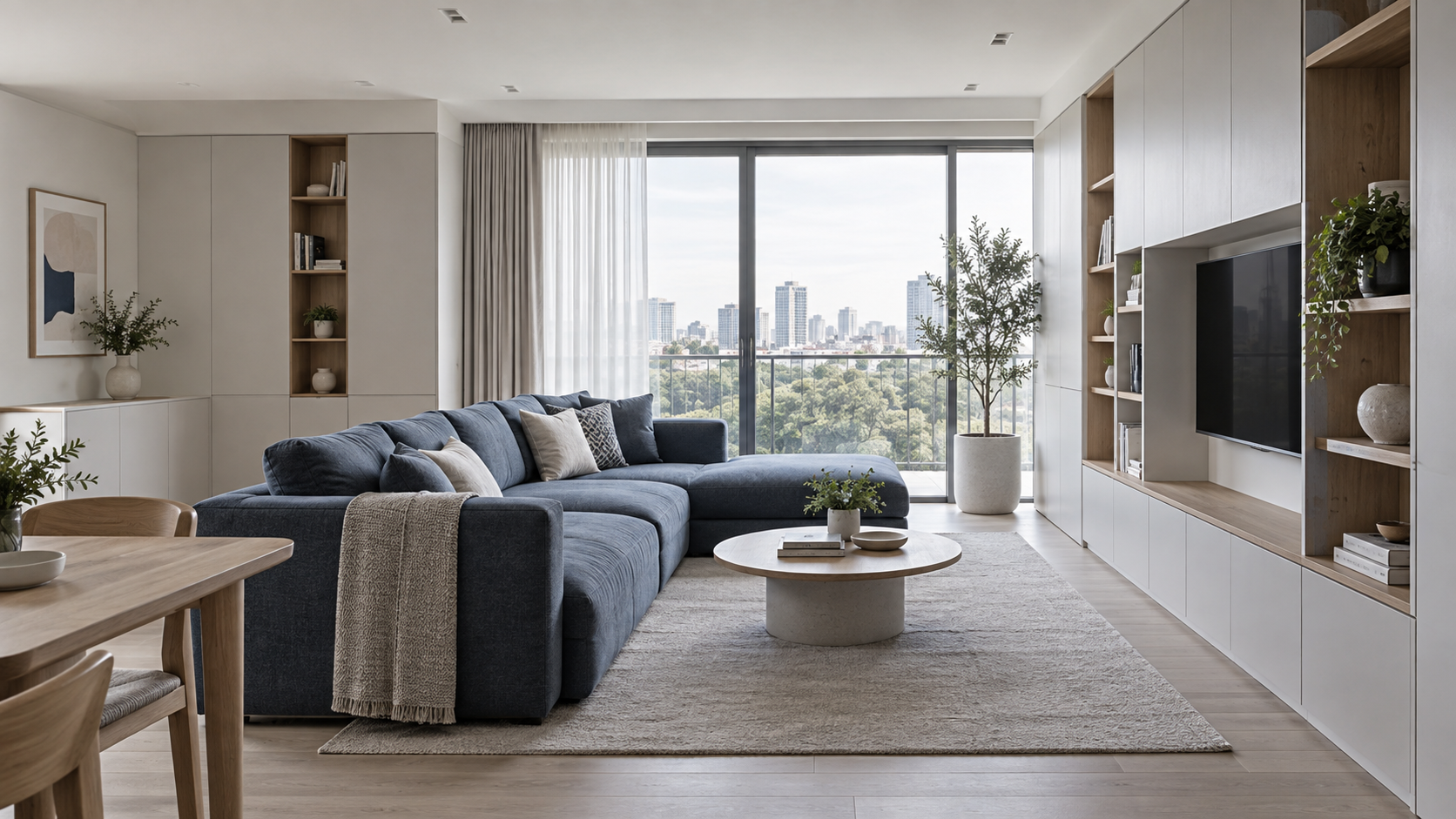
Example product: Storage-redesign services illustrated by an 80 m² apartment

InstagramPinterestYouTube
Storage-redesign services illustrated by an 80 m² apartment
AI-generated industry illustration · replace with an authorized product photo

Business scenarios, not real customer results. No live tasks are running here. Quantities are example plans, not guaranteed outcomes. Use authorized accounts, verified materials and configured services; confirm the scope before execution.

One authorized-material register
4 angles × 3 formats = 12 draft assets
A five-day story plan and designer-review list

Example configuration and planned deliverables, not completed results.

Detailed execution guide

01 / Does this sound familiar?02 / What to prepare03 / Work comparison04 / Content samples05 / Execution plan06 / Accounts & AI07 / İnceleyin ve iyileştirin← Back to case library

01 / Does this sound familiar?

Final photographs hide the reasoning behind storage choices. Reusing drawings without checking permission can expose addresses, personal possessions or details the client never agreed to publish.

We spent months on a project and published one gallery. Help us explain the design decisions over time, using only material the owner permits.

How JarveePro Takes Over

JarveePro organizes a permitted project source pack and four story angles: spatial problem, considered options, storage detail and practical use. Built-in AI drafts consistent explanations; JarveePro schedules reviewed content while preserving source and permission context.

02 / What to prepare

  • Obtain owner permission for each photograph, plan and project detail.
  • Remove identifying information and confirm what must remain private.
  • Provide actual design decisions, approved drawings and publication-ready account resources.

The 80 m² apartment is a scenario configuration, not a claimed completed customer project.

03 / Work comparison

The manual workWhat JarveePro doesWhat you receive
The manual work

Post finished pictures once

What JarveePro does

Explain distinct decisions from the same permitted project

What you receive

A four-angle story map

The manual work

Crop a drawing without checking privacy

What JarveePro does

Review publication boundaries before adapting visuals

What you receive

An approved source and redaction list

The manual work

Use generic before-and-after claims

What JarveePro does

Describe only documented conditions and design choices

What you receive

A factual narrative without invented results

04 / Content samples

InstagramIllustrative content draft

Storage Design Starts with the Question, Not the Cabinet

A project story becomes useful when it explains the decision behind the image. What needed to be stored, which routes had to remain clear, and what alternatives were considered? With the owner's permission, selected drawings and photographs can help discuss those questions. This example uses an 80 m² apartment as a scenario, not proof of a completed client project. Any real project details must come from approved records, with identifying information removed.

01State the documented space problem
02Compare permitted design options
03Explain one storage detail
A relevant question and reply

How much would the same redesign cost in my apartment?

A project photograph cannot establish your scope or cost. The designer would need the relevant layout and requirements through an agreed private consultation; no price is implied by this example.

Blog · Answer a Specific Question

Explaining an apartment storage project: problem, options and design decisions.

Video · Show the Idea

One permitted drawing, one decision: highlight a storage choice without showing private address information.

Keywords · Organize Around Intent

apartment storage design decisionshow to explain a small apartment layoutstorage project case study structureentryway storage planning questionsinterior design drawings privacyturn one interior project into content

Research starting points, not verified search volumes. Check product facts against approved materials.

05 / Execution plan

Example configuration and planned deliverables, not completed results.

01

Day 1 · Confirm Publication Rights

Task 01Review the project-material register
Task 02Select 4 documented storytelling angles
Check before execution

Owner permission and privacy boundaries come first.

Hand off to the next task

Only approved sources enter drafting.

02

Day 2 · Build the Series

Task 01Prepare 12 drafts across 3 formats
Task 02Check drawings and captions with the designer
Check before execution

Do not fabricate dimensions or a before-and-after outcome.

Hand off to the next task

Corrections feed into the publishable pack.

03

Day 3 · Explain the Problem

Task 01Publish 2 approved project-context posts
Task 02Prepare a linked storage-detail explanation
Check before execution

All images must match the same authorized project.

Hand off to the next task

Move from context to a specific decision.

04

Day 4 · Show the Reasoning

Task 01Publish 2 design-decision posts
Task 02Schedule one finished, privacy-checked video
Check before execution

The final video requires separate review.

Hand off to the next task

Collect actual questions for designer input.

05

Day 5 · Extend Thoughtfully

Task 01Group real questions about layout and use
Task 02Prepare 3 follow-up briefs within the publication permission
Check before execution

New private details need new approval.

Hand off to the next task

Discuss future content without implying client endorsement.

06 / Accounts & AI

The Right Content, Account and Environment

  • Maintain the studio's genuine professional identity and voice.
  • Link each asset to its project permission and approved public description.
  • Use supported publishing accounts and connected devices; keep private source files outside public outputs.

A concrete matching decision

A reviewed storage-plan explanation goes to the studio's educational account with anonymized drawings, not a client's personal profile.

AI Reasons. JarveePro Organizes Execution

Built-in AI structures the story and checks consistency. JarveePro organizes source-linked tasks and feedback; the designer verifies professional explanations and the owner controls publication permission.

LocalVPSPhone

Assign work to configured, compatible devices. AI can collaborate over RDP on authorized computers or VPSs to check actual state before retrying. Recovery is not guaranteed.

07 / İnceleyin ve iyileştirin

Permission Checks

Can this detail be reused?

Consult the approved material register before generating the next version.

Story Interest

Which decision deserves explanation?

Use available saves and actual questions by topic; do not invent audience reactions.

Project Enquiries

Did someone request design help?

Use designer-confirmed enquiries, not image views as signed projects.

An explanation of the analysis, not a live results dashboard. Missing data is not zero; exposure, interactions, visits and enquiries are measured separately.

Inside the Real Product

See the Real Workspaces Behind This Plan

Explore the product interfaces used in this workflow. These screenshots show the relevant tools, not results achieved for this example customer.

AI Content Studio · Projects → Batch assets → Review and approval
Campaigns · Activities and accounts → Scheduling controls → Subtask feedback
Büyüme analizi · 4–10 Eylül 2026 anlık görüntüsü; görüntülemeler ve etkileşimler satış değildir
Explore the Actual Steps

One Brief. A Coordinated Content Matrix

Combine angles, formats and tone around different customer questions. Add source material, keyword rules and media choices for purposeful batch creation—not synonym swaps.

The interface offers 14 directions, 9 formats and 10 tones. These are configuration choices, not completed output counts.

Article, Images and Video—One Content Brief

Organize body copy, cover, inline images, video, tags and translations around one task. Local AI image sources and connected video services reduce handoffs between tools.

The completed workspace includes a 7-second video preview. This is a screenshot, not a playable recording.

The JarveePro capabilities behind this workflow

AI Content Generation and ExpansionPersona-Led Account Development · AI TasksCross-Platform Task Creation and ExecutionGrowth, Exposure and Marketing Analytics

See How AI Organizes This Workflow

Product workflow examples, not results achieved by this example customer.

Search Intent & Keyword Map İngilizce ürün arayüzü · Orijinali incelemek için tıklayın
Yapay zekâ proje alanını tanıyın

What the plan delivers

Bring Your Product and Goal. Let’s Shape Your Plan

Confirm accounts, materials, devices and responsibilities with the team before a trial. No unconfirmed package or business outcome is promised.

Apply for a trial · contact the teamBack to case library

Explore Another Business Need

Ecommerce & consumer brandsBuild a Full Content Campaign Around 12 ProductsIndustrial equipment & B2BHelp Buyers Choose the Right Labeling EquipmentAdult education & trainingTurn Your UI Course into an Ongoing Educational Series
JarveeProNexus

Yapay zekâ destekli büyüme için açık platform.

Bağımsız zekâ. Açık olanaklar.

Ürün

Paketlerİndir ve başlaAI izlemeİçerik keşfiDokuz temel yeteneği keşfedinHesaplar ve yalıtımYapay zekâ ile hesap gelişimiİçerik stüdyosuKampanyalarYapay zekâ görevleriYapay zekâ projeleriBüyüme analiziYürütme ağı

Ekosistem

AI + SkillsAI ajanları ve SkillsKurumsal çözümlerProfesyonel hizmetlerPlatformlarÇözümlerİş akışını keşfedin

Kaynaklar

KaynaklarÜrün rehberleri ve müşteri hizmetleriMevcut müşterilerMüşteri yorumlarıHaberler ve yükseltme rehberiSatış ortaklığıVideo EğitimleriEksiksiz bir pazarlama iş akışıYapay zekâ, Skills ve kendi araçlarınızı bağlayınÇalışmanın sonuçlarını anlayınDoğru başlangıç noktasını bulunÜcretsiz sosyal medya araçlarıBlog ve pazarlama rehberleri Knowledge Base Sık sorulan sorularBize ulaşınDestek merkezi

JarveePro’yu karşılaştırın

Tüm karşılaştırmalar ve seçim rehberleri
JarveePro vs. BufferJarveePro vs. HootsuiteJarveePro vs. PublerJarveePro vs. Sprout SocialJarveePro vs. LaterJarveePro vs. PlanableJarveePro vs. SocialPilotJarveePro vs. MetricoolJarveePro vs. ContentStudioJarveePro vs. Agorapulse

Ücretsiz sosyal medya araçları

Sosyal medya indiricisiGörsel boyutlandırma ve sıkıştırmaSosyal medya metin biçimlendiriciSosyal medya gönderi ön izlemesiToplu UTM bağlantısı oluşturucuSaat dilimleri arası planlayıcıHaftalık içerik planlayıcıToplu metin kişiselleştirme15 aracın tamamı →

18 Platform. Tek Pazarlama Çalışma Alanı.

Desteklenen Tüm Platformları Görün
  • Facebook
  • Instagram
  • X
  • YouTube
  • TikTok
  • LinkedIn
  • Reddit
  • Pinterest
  • Quora
  • Threads
  • Stocktwits
  • Bluesky
  • Mastodon
  • Telegram
  • WordPress
  • Tumblr
  • Discord
  • WhatsApp

Resmî iletişim kanalları

Özel geliştirme · İhtiyaçları görüşün ↗
Ekibe e-posta gönderin[email protected]WhatsApp+86 191 2335 3974Telegram@pvacreatorsellDestek talebi oluşturunsupport.jarveepro.com
İade politikasıSite gizliliğiSite koşulları
IP Geolocation by DB-IP© 2026 JarveePro. Tüm hakları saklıdır.
English简体中文日本語العربيةEspañolPortuguêsFrançaisDeutschItalianoNederlandsPolskiРусскийУкраїнськаSvenska한국어Bahasa IndonesiaTiếng ViệtไทยTürkçeहिन्दी
Turn One Apartment Project into a Series of Design Stories — JarveePro · Nexus